cPanel: Domains Heading
Domains Section
In this section clients have the ability to manage there domain names and add other domain types as well.

Sub – Domains
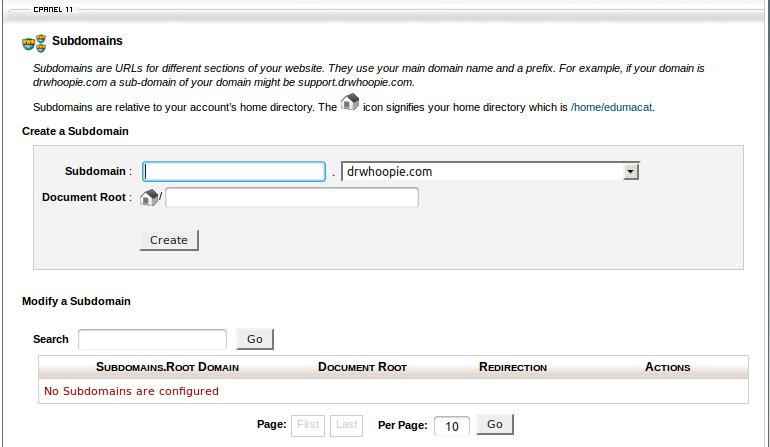
This where the client has the ability to add sub-domains for his domain names on the account.
In this feature you have the ability to view, and modify any current sub – domains as well as create new ones. When you create a sub-domain it asks the creator to also assign the sub domain a path or folder in which to look for the files for this.
This where the client has the ability to add sub-domains for his domain names on the account.
In this feature you have the ability to view, and modify any current sub – domains as well as create new ones. When you create a sub-domain it asks the creator to also assign the sub domain a path or folder in which to look for the files for this.
Add – on Domains
This where the client has the ability to add add-on domains for his domain names on the account.
In this feature you have the ability to view, and modify any current add-on domains as well as create new ones. When you create an add-on domain it asks the creator to also assign the add-domain a path, or folder in which to look for the files for this.

Parked Domains
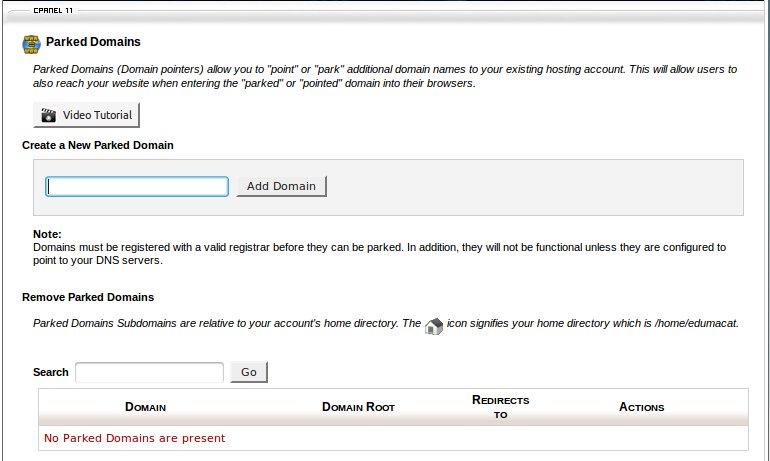
This is where the client has the ability to add parked domains for his domain names on the account.
In this feature you have the ability to view, and modify any current parked domains as well as create new ones. When you create a parked domain it asks the creator to also assign the parked domain a path, or folder in which to look for the files for this.
Redirects
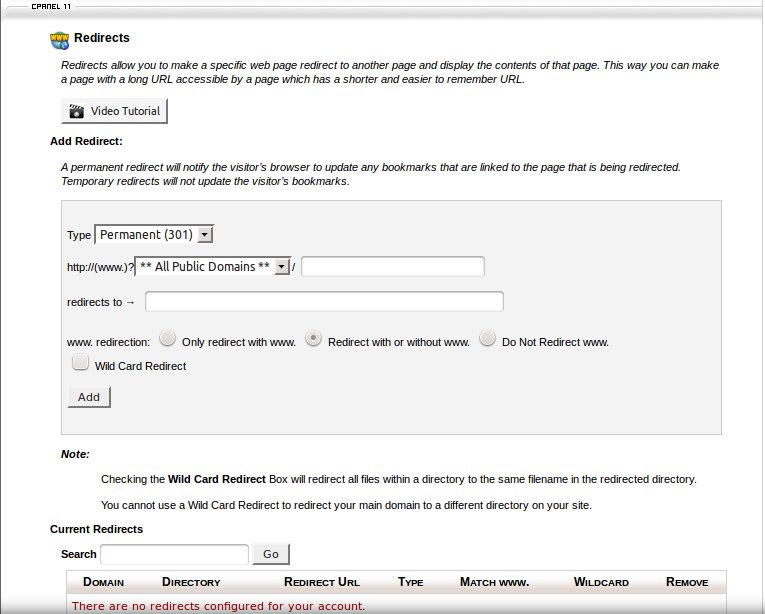
This is where the client has the ability to add redirects for their domain names on the account. In this feature you have the ability to view, and modify any current redirects as well as create new ones. There are two types that can be created here :
Temporary (302) – A temporary redirects will not update the visitor’s bookmarks.
Permanent (301) – A permanent redirect will notify the visitor’s browser to update any bookmarks that are linked to the page that is being redirected.
Simple DNS Zone Editor
DNS is the component of the Internet which converts human-readable domain names (e.g. drwhoopie.com) into computer-readable IP addresses (e.g. 50.28.18.110). It does this according to DNS zone files that reside on your server which tie domain names to IP addresses.
There are several different types of records in a domain’s zone file. This feature allows you to create and edit A and CNAME records.
In this section you can also view and manage the name servers for the accounts domain.
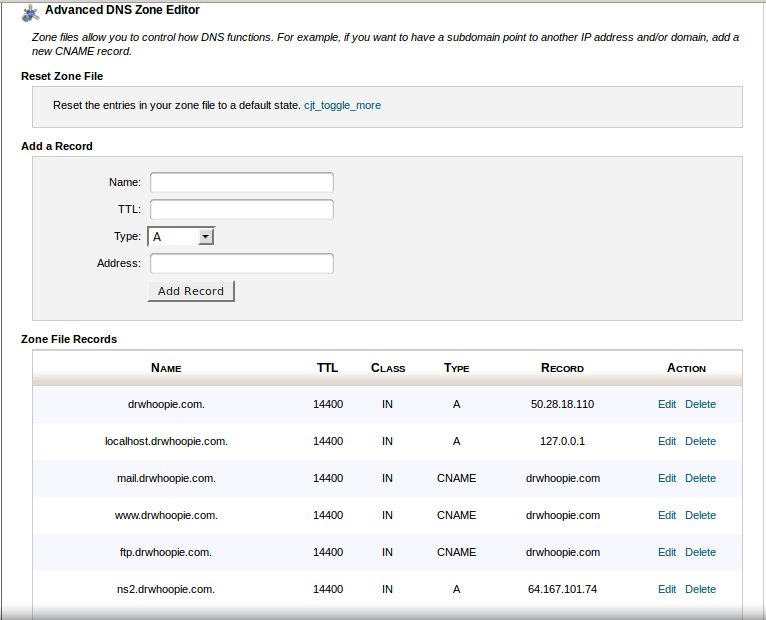
Advanced DNS Zone Editor
Zone files allow you to control how DNS functions. In here you have the ability to create A records, CNAME records, and TXT records. You also can reset your DNS for you domains back to the web servers default dns zones